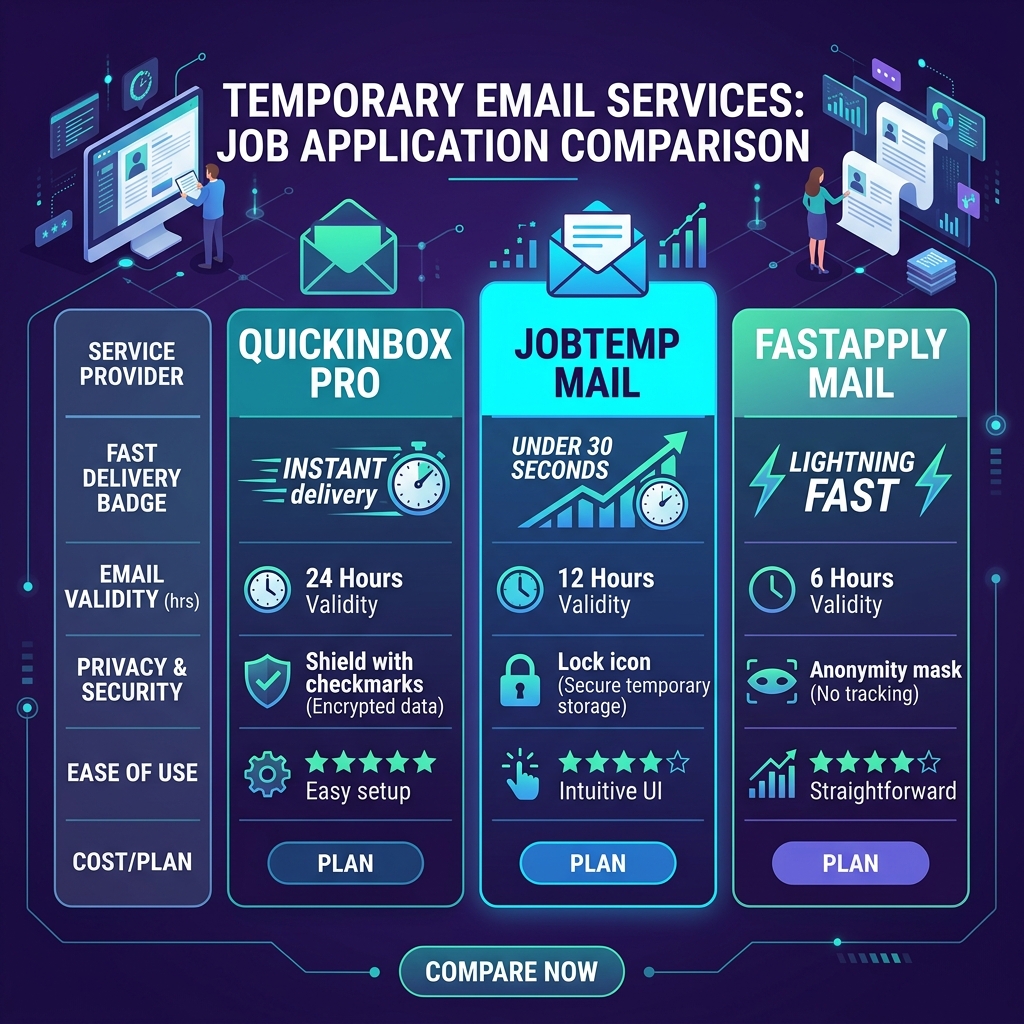
For job seekers navigating the US employment landscape, operational speed and personal privacy must go hand in hand. Whether you are researching compensation benchmarks on salary evaluation sites, testing candidate assessment tools, or registering on third-party job aggregators, selecting a dependable disposable email provider is a vital privacy asset.
In this technical review, we evaluate leading disposable email platforms in 2026, analyzing message delivery latency, inbox duration tiers, automated OTP detection, and domain acceptance across major corporate recruitment portals.
Evaluation Criteria for Recruitment & Career Portals
Employment portals and candidate directories implement unique verification workflows. When selecting a disposable email provider for preliminary career research, consider these four vital benchmarks:
- Domain Diversity & Acceptance: Aggressive spam filters on recruitment directories often block generic disposable suffixes. Having a curated selection of fresh, unflagged domains guarantees smooth verification receipt.
- Zero-Lag Delivery Latency: Security verification codes and magic login links sent by candidate portals often expire in 5 to 10 minutes. A platform driven by WebSockets ensures codes appear on your display instantly without manual page refreshing.
- Configurable Duration Tiers: While a 10-minute timer suffices for an instant single-page verification, 30-minute and 60-minute windows provide essential breathing room when completing multi-step candidate assessments or compensation surveys.
- Automatic Security Purging: To prevent residual data exposure, the underlying mail server must permanently erase all message contents and attachments from volatile memory the moment the countdown timer expires.
1. Free Mail (30mail.in) — Optimized for Instant Career Portal Verification
30mail.in is built on a modern Next.js and Node.js WebSocket architecture, delivering instant, push-based email reception directly to your browser.
Key Features for Candidates:
- Three Flexible Expiry Tiers: Seamlessly toggle between 10-minute, 30-minute, or 60-minute inboxes to match the duration of your current job search task.
- Intelligent OTP Code Extraction: Our parser automatically identifies, extracts, and highlights 4-to-8-digit verification codes in incoming emails, enabling 1-click copying directly to your clipboard.
- Zero Tracking or Signup: Instant 1-click mailbox generation with zero personal identity, phone number, or credential disclosure required.
- Multiple High-Reputation Domains: Select between alternative domain suffixes directly from the dropdown to ensure maximum deliverability across corporate portals.
2. 10 Minute Mail — Traditional Quick-Check Utility
A classic platform in the disposable mail ecosystem, 10 Minute Mail generates a temporary mailbox that automatically counts down from 600 seconds. While excellent for simple single-page signups, the rigid 10-minute cap can cause unexpected session timeouts during lengthy multi-page candidate assessments.
3. Guerrilla Mail — Extended Retention Pioneer
Guerrilla Mail provides 60-minute inbox sessions and features custom alias generation. While its interface reflects older desktop web standards and its historic domains face higher blocklist rates, it remains a stable benchmark utility.
Temporary Email Feature Comparison Matrix
| Service | Delivery Engine | Duration Tiers | Automated OTP Extraction | Domain Selection |
|---|---|---|---|---|
| Free Mail (30mail.in) | Real-Time WebSockets | 10m / 30m / 60m | Automated regex highlight & 1-click copy | Multiple Curated Domains |
| 10 Minute Mail | AJAX Polling | Fixed 10 Minutes | Manual visual review | Single domain pool |
| Guerrilla Mail | AJAX Polling | 60 Minutes | Manual visual review | 11 Shared Suffixes |
| TrashMail | SMTP Forwarding Relay | Custom forward limits | Manual visual review | Requires permanent setup |
Best Practices for Candidates Using Disposable Inboxes
- Deploy Disposable Addresses for Early-Stage Gateways: Use 30mail.in when downloading career compensation guides, accessing salary calculators (Levels.fyi, Glassdoor), or checking corporate reviews. Once you are ready to formally apply to a verified employer, switch to your dedicated career email address.
- Keep Your Active Browser Session Open: Because temporary addresses reside in volatile memory and terminate automatically, keep your 30mail.in tab open until your verification code has been received and entered.
- Maintain a Local Application Tracking Ledger: Keep a clean spreadsheet or notes file logging job titles, company names, submission dates, and application portal links so you stay completely organized throughout interview cycles.
Conclusion
Utilizing a modern temporary email platform like 30mail.in enables American job seekers to freely research salary data, explore new career directories, and test web utilities without sacrificing their permanent inbox to recruiter spam and automated marketing funnels.
📊 Traditional Email vs. Temporary Email Privacy Architecture Chart
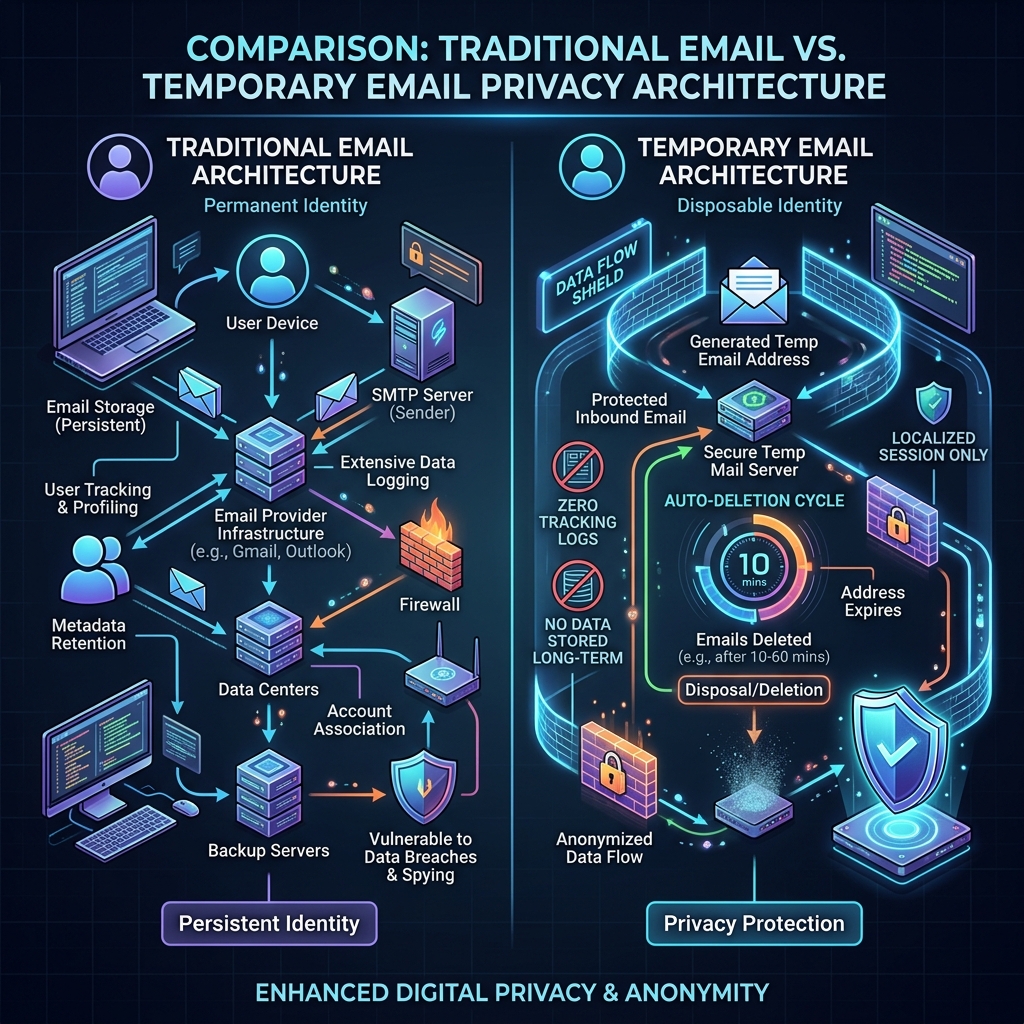
Architecture overview illustrating real-time WebSocket delivery and automatic memory deletion cycles at 30mail.in.
Frequently Asked Questions
Yes. Free Mail utilizes WebSockets to deliver OTP verification codes to your screen within seconds.
No. Use a permanent secondary email on your resume, and reserve temporary inboxes for portal exploration and salary research.